Cards & Components
Identify the boards, cards, mine tiles, tokens and symbols used in Drillers.
Boards
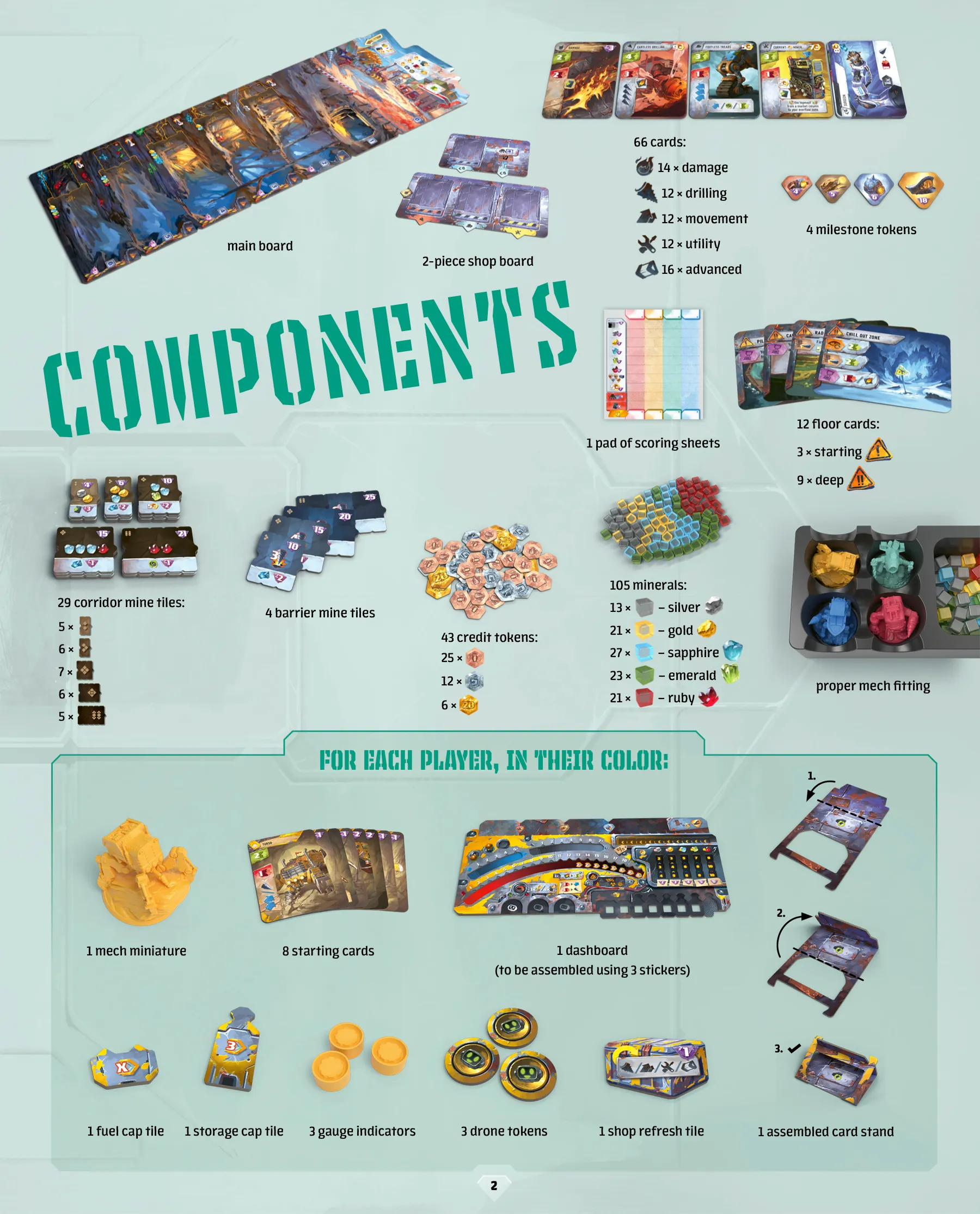
The main board holds the surface, mine entrance and five underground floors. The shop board has four card markets. Each player dashboard tracks fuel, movement, drills, storage, market, overflow, drones and progress.
Cards
The shops contain Drilling, Movement, Utility and Advanced cards, plus Damage cards. Each human starts with eight colored cards plus one Damage card. Set TORSO aside, shuffle the Damage card with the other seven starting cards, then place TORSO face up on top. This forms a nine-card deck before drawing your starting hand. The bot instead shuffles all nine cards together. Advanced cards require credits and battery icons; permanent cards stay beside the dashboard and can be used once per Operations phase.
Complete individual card faces and effects: To be added.
One annotated Mining Drone example (p. 8)
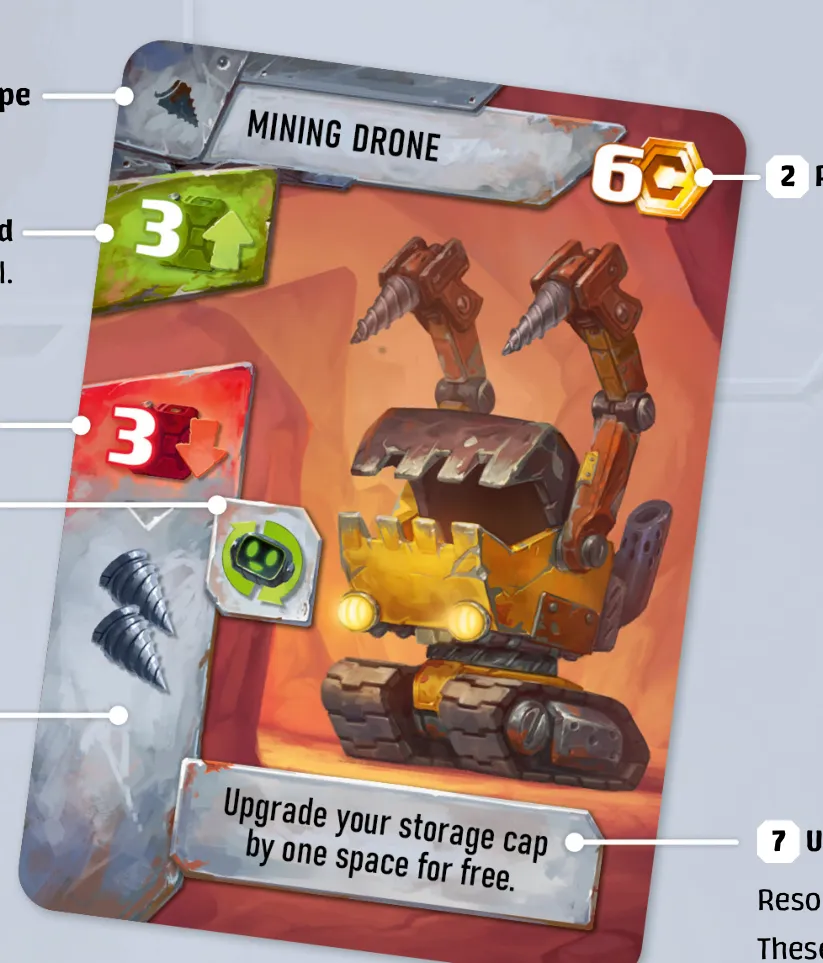
The printed unique effect says, “Upgrade your storage cap by one space for free.” This is one rulebook example, not a face catalogue; use the printed icon key for the meaning of its other marked fields.
Card-type marks
The rulebook’s p. 20 icon key shows six card-type marks. Its p. 4 setup diagram identifies the Starting and Damage marks, then uses the other four marks for the shop decks. The publisher’s p. 2 component inventory names those four groups and gives their counts.
| Mark | Printed card group | Publisher inventory |
|---|---|---|
 | Movement | 12 shop cards. |
 | Utility | 12 shop cards. |
 | Starting | Eight starting cards per player. |
 | Drilling | 12 shop cards. |
 | Damage | 14 cards; shuffle one into each human starting deck. |
 | Advanced | 16 shop cards; purchases also require battery icons. |
These marks identify the card group. They are separate from the purchase cost, fuel-gain value and main-effect cost printed elsewhere on a card.
Reading card icons
A card’s type mark is separate from its purchase cost, the fuel gained when playing it for fuel, and the fuel cost of its main effect. The main effect can generate movement and drills as well as instant or unique effects. Choose how to play the card using Playing cards; use the printed symbol reference below for its individual effects.
Tiles
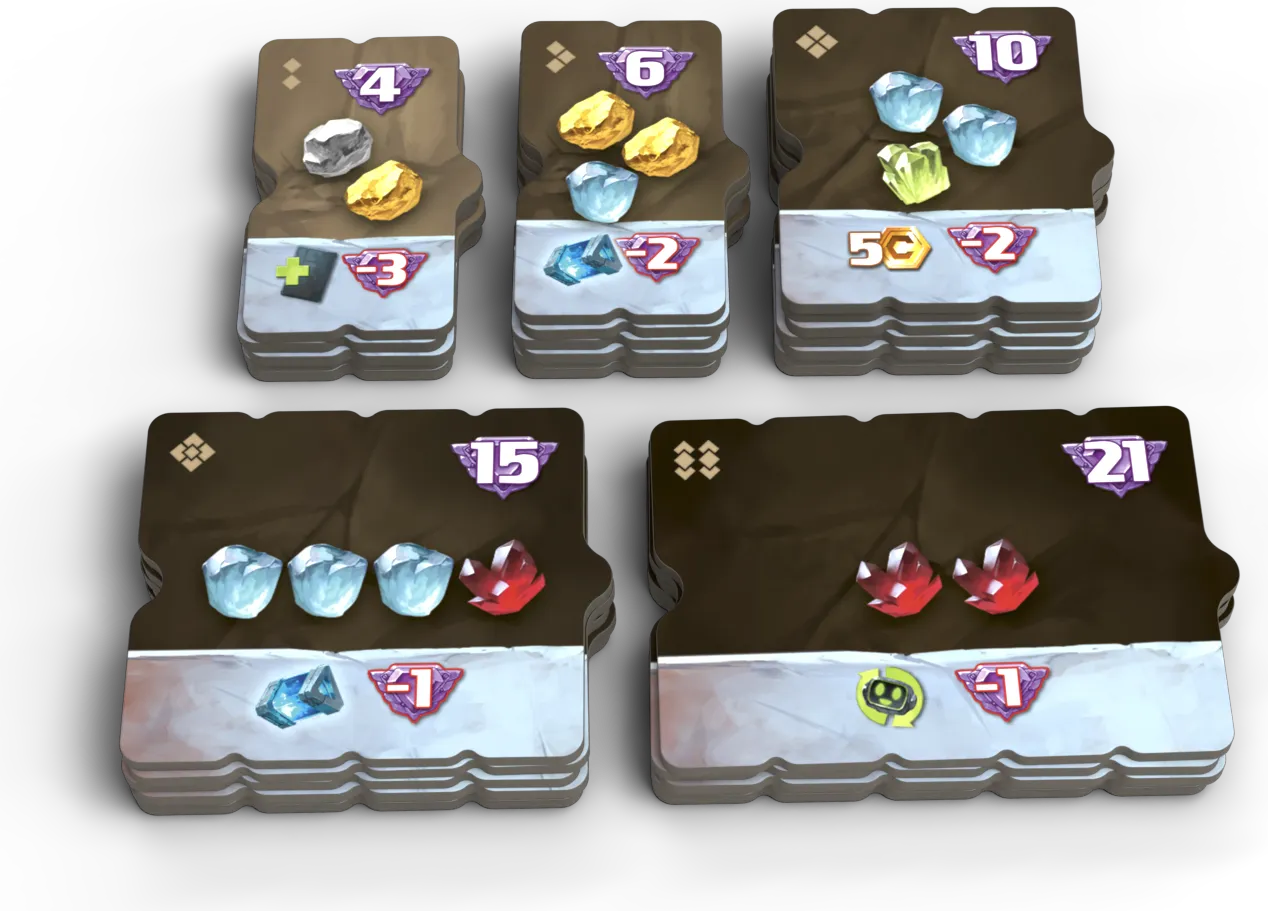
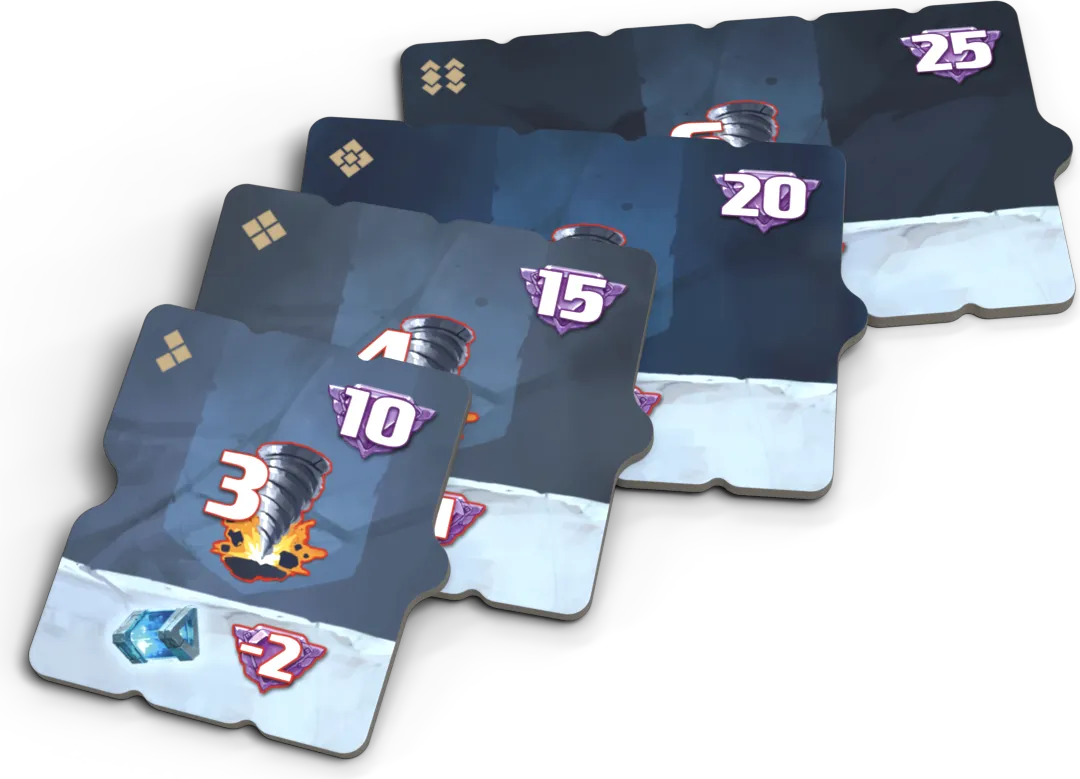
Corridor tiles add the pictured minerals to a floor and advance the excavating player’s progress track. Barrier tiles close a floor until removed with drills; removing one also reveals the floor card below. Floor cards create mandatory effects when their printed trigger occurs.
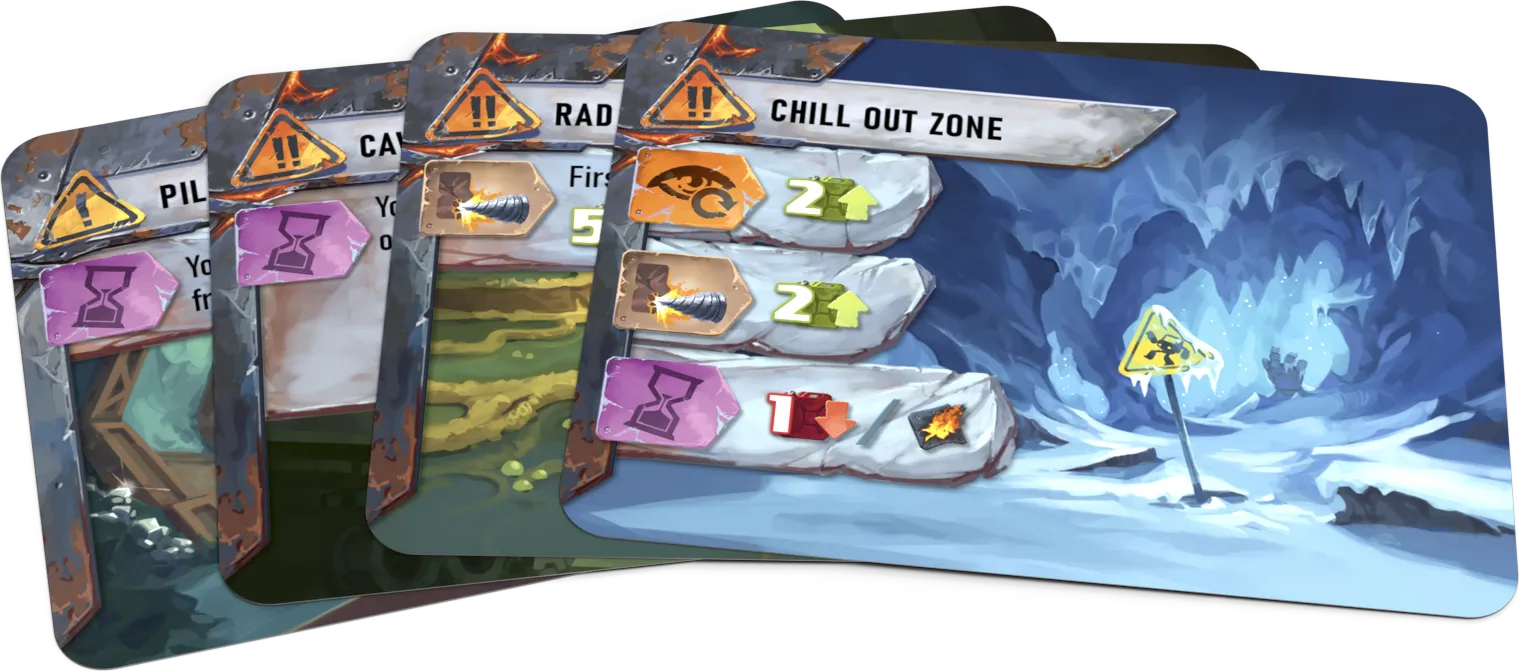
Images: Czech Games Edition’s Drillers press kit.
One printed floor-card example (p. 12)
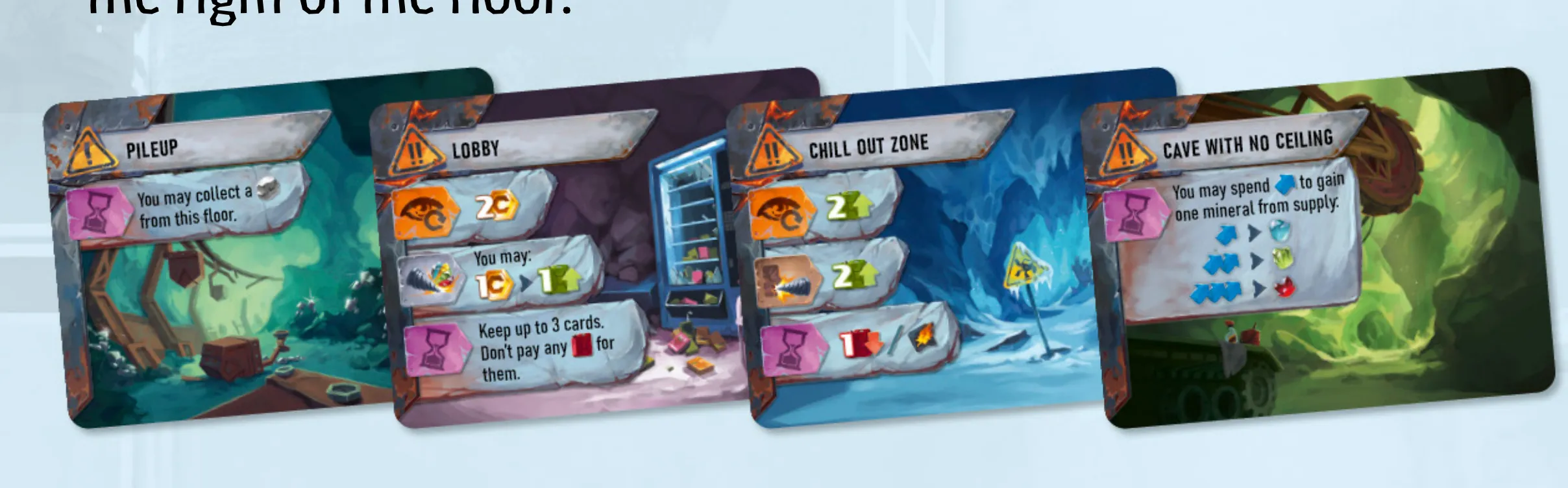
The same printed figure shows four overlapping sample faces: Pileup, Lobby, Chill Out Zone and Cave With No Ceiling. It is a rulebook example, not a complete face catalogue; only Cave With No Ceiling’s full text is transcribed here, and the other faces remain unaudited.
The readable icon effects below are paraphrased from that figure using the printed symbol key on p. 20. They are examples, not complete face descriptions.
| Sample | Readable effect |
|---|---|
| Pileup | At the end of Operations, you may collect one Silver from that floor. |
| Lobby | On reveal, gain 2 Credits. At the end of Operations, keep up to 3 cards without paying Fuel for them. |
| Chill Out Zone | On reveal, gain 2 Fuel. When you excavate a corridor there, gain 2 Fuel. |
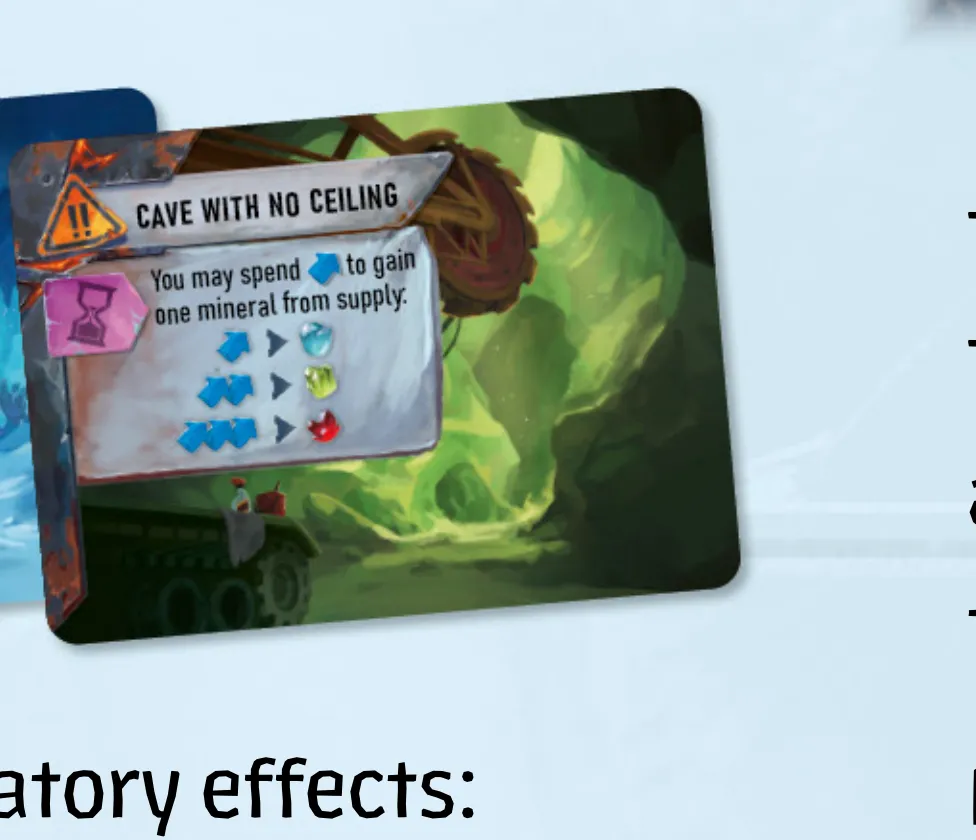
The rulebook example says, “You may spend [fuel] to gain one mineral from supply.” Its three pictured choices pair 1, 2 or 3 fuel with the corresponding pictured mineral. This documents one printed example; other floor-card faces and effects remain unaudited.
Individual corridor, barrier and other floor-card faces and effects: To be added.
Tokens & pieces
| Picture | Component |
|---|---|
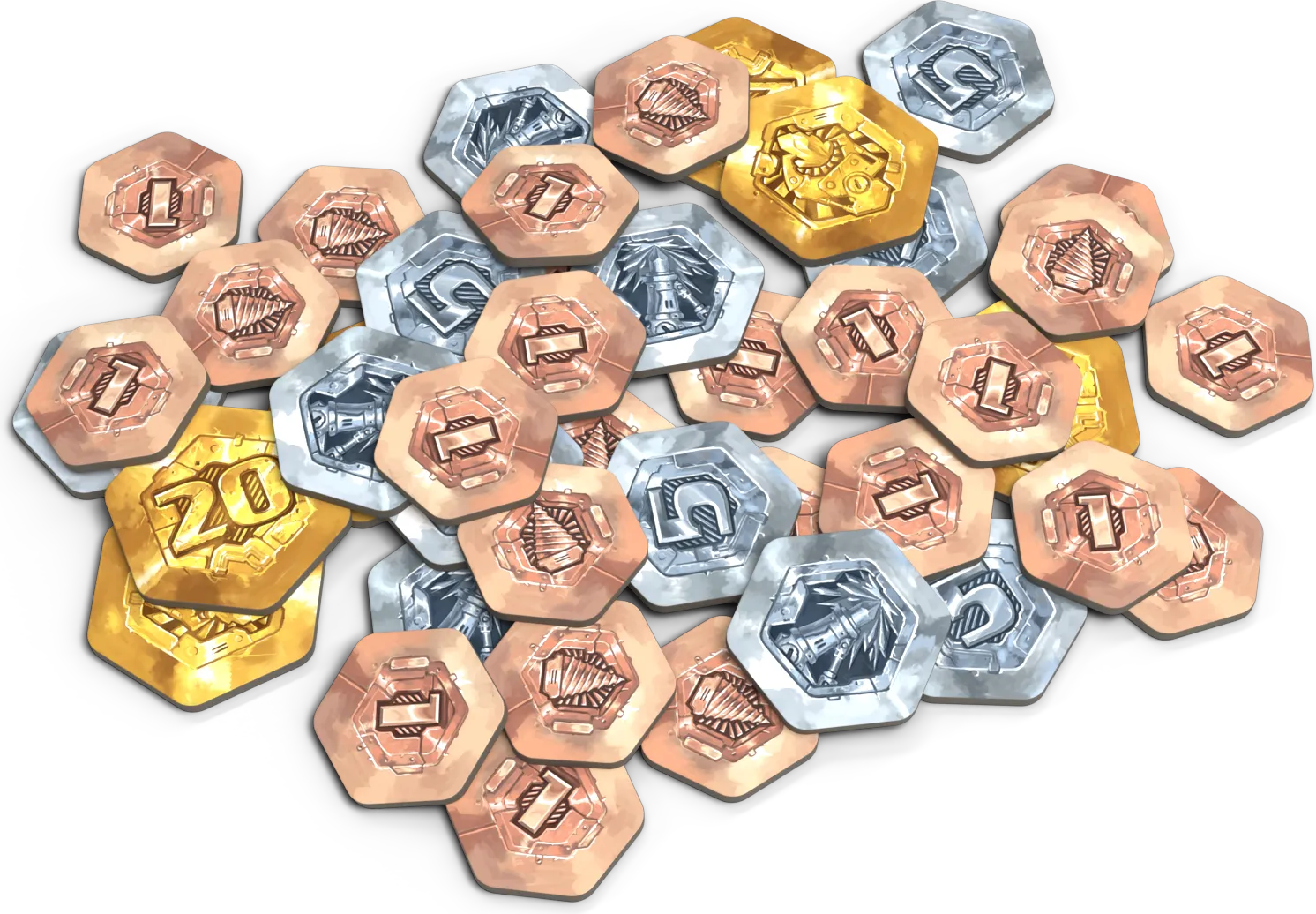 | Credit tokens. |
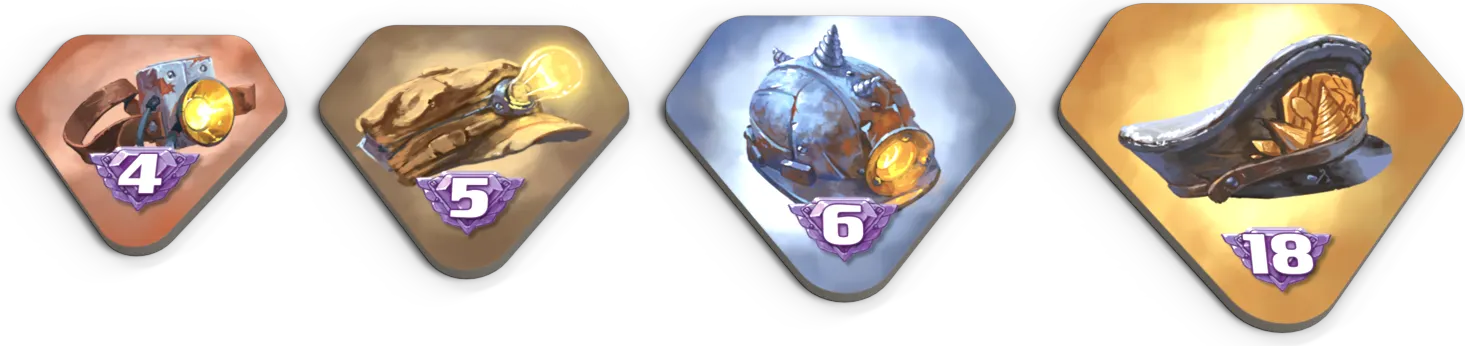 | Milestone tokens. |
Milestone tokens go to the first player to cover each line on a progress track. Drones begin with one active token; an active drone can sell one mineral or buy one card. Mechs mark each player’s position in the mine. Credits and minerals are shared supplies.
Images: Czech Games Edition’s Drillers press kit.
The Upgraded Components pack replaces cardboard credit tokens with metal coins. It does not add a gameplay module.
Icons
X means the amount shown by the effect. Symbols with X describe a gain, cost or point value; they do not fix that amount for every card. Printed reference: English rulebook, p. 20.
Minerals and points
| Symbol | Meaning |
|---|---|
 | Silver: 2 final points per mineral. |
 | Gold: 3 final points per mineral. |
 | Sapphire: 4 final points per mineral. |
 | Emerald: 5 final points per mineral. |
 | Ruby: 6 final points per mineral. |
 | Any mineral; the effect is not restricted to one of the five types. |
 | Gain X credits. Credits pay for purchases, upgrades and Surfacing repair. |
 | X points. Count minerals, tiles, tokens and other scoring sources using Game End and Scoring. |
Fuel and Operations
| Symbol | Meaning |
|---|---|
 | Gain X fuel: increase the fuel gauge by X, stopping at your cap. |
 | Refill to your fuel cap: fill the tank, whatever its previous level. |
 | Spend X fuel: reduce the gauge by X. You cannot use an effect whose fuel cost you cannot pay. |
 | Solid Fuel: move one stored mineral to overflow. This move earns no credits. |
 | Movement: spend one to go up or down to an adjacent open floor. |
 | Drill: spend one to collect one mineral from your floor; several drills can pay for excavation. |
 | Corridor cost: pay the indicated drills to excavate a corridor tile. |
 | Barrier cost: pay the indicated drills to remove a barrier from the floor immediately below your mech. |
Use Playing cards, Moving and drilling and Default functions for their procedures and restrictions.
Cards and effect timing
| Symbol | Meaning |
|---|---|
 | Draw one card from your deck. |
 | Put one Damage card in your discard pile. If none remain, remove the most valuable mineral from your market instead. |
 | Remove one card from your hand, play area, discard pile or deck top. Return a Damage card to its stack; remove another repaired card from the game. If it came from your hand, draw a replacement. |
 | Battery: meet the battery requirement of an Advanced card by exhausting collected mine tiles with battery icons; also pay its credit cost. |
 | You may use this effect any number of times during the turn while you can meet its costs. |
 | You may use this effect once during Operations, at a time you choose. |
 | When your deck becomes empty, shuffle your discards to make a new deck immediately. |
See Drones and mine tiles, Surfacing and Upkeep. The once/repeatable marks describe timing; they are not extra movement or drill points.
Dashboard and drones
| Symbol | Meaning |
|---|---|
 | Storage holds collected minerals up to its current cap. |
 | Sold minerals go to their market columns. |
 | Overflow receives minerals when their market column is full, or when an effect directs them there. |
    | Milestone marks. The first player across a milestone line gains its token; see Milestones for the other players’ reward. |
 | Drone token; its face shows whether it is active. |
 | Turn one exhausted drone active. If all are active, this refresh has no effect. |
 | Turn an active drone face down to use it. |
 | A drone sells one mineral from storage to the market or overflow. |
 | A drone buys one card and puts it on top of your deck. |
See Drones and mine tiles and the Surfacing sale and purchase procedures.
Surfacing and card types
| Symbol | Meaning |
|---|---|
 | Discard one card from your hand for 2 credits during Surfacing. |
 | Buy cards from the shops, paying their costs. |
| | Printed card-type marks. Look for this field separately from the purchase cost and effects; see Reading card icons. |
 | Refresh a shop: put its current cards at the bottom of their deck and refill the shop. The tile is usable once per game; see Surfacing. |
 | Increase your fuel cap by one step after paying the next space’s credit cost. |
 | Increase your storage cap by one step for 3 credits. |
Floors and their triggers
| Symbol | Meaning |
|---|---|
 | Starting floor-card mark. |
 | Deep floor-card mark. |
 | Floor number; match a corridor stack or other floor component to its floor. |
      | Floor identifier patterns, shown in the reference’s order. Match the printed pattern as well as the floor number. |
 | Advanced card; its battery cost is additional to credits. |
 | Resolve the floor effect when the card is revealed. |
 | Resolve the floor effect when a corridor is excavated on that floor. |
 | Resolve the floor effect when a mineral is collected from that floor. |
 | Resolve the floor effect if your mech is there at the end of Operations. |
Floor effects are mandatory when their trigger occurs. See Floor cards and the Setup checklist.
Numbered inventory of all pieces: To be added.